

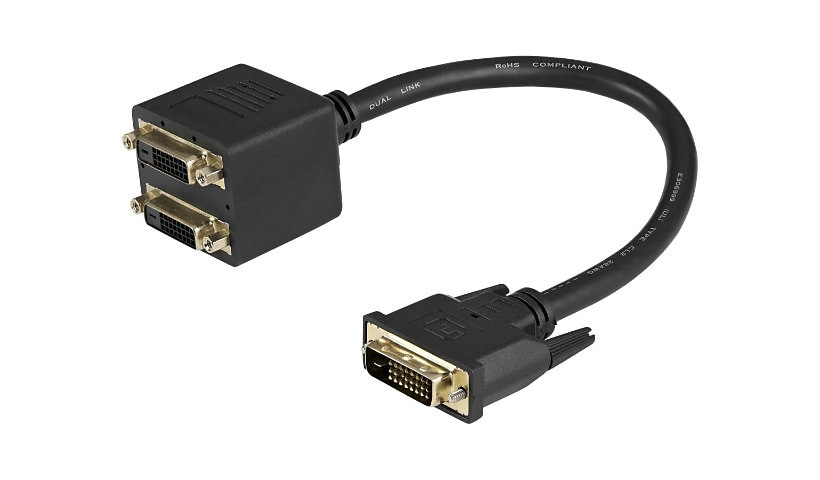
StarTech 1ft DVI Splitter Cable - M / F - DVI-D to 2x DVI-D Dual Video Splitter for Your Split Screen Computer
$21.94
Mfg # DVISPL1DD
CDW # 1361408
| UNSPSC 26121604
Quick tech specs
- Mirror two identical DVI-D displays from a single DVI-D video source
- Output one DVI digital video signal to two DVI-D displays simultaneously
- Guaranteed reliability with StarTech.com lifetime warranty
- 1ft DVI Splitter Cable/30cm DVI-D Splitter/Y Cable/1 ft DVI-D to 2x DVI-D Digital Video Splitter Cable M/F
- Offers 12" in cable length and removes strain from the DVI-D connectors and reduces the potential of blocking other available ports

Know your gear
The DVISPL1DD 1ft DVI-D Splitter Cable lets you connect two DVI-D displays, or projectors to a single DVI-D digital video output port on your computer. Backed by StarTech.com's lifetime warranty, the DVISPL1DD is a reliable and cost-effective solution for dual DVI monitor configurations. More from the Manufacturer
Add to Compare
Enhance your purchase
StarTech.com 1 ft DVI-D to 2x DVI-D Digital Video Splitter Cable - M/F is rated
3.00 out of
5 by
2.
Rated 5 out of
5 by
MATTHEW W. from
Looks great
Everything went as planned from the online search to the hook up after delivery. I'm very happy with the product and the experience.
Date published: 2020-05-06T16:12:20-04:00
Rated 5 out of
5 by
PopLaCork from
SIMPLY DOES NOT WORK!
As a highly proficient computer geek I can tell you this product has no known use. The wiring scheme does not permit the computer to recognize the monitors when more than one is attached and will default to VGA 640x480. Going to the screen resolution settings offers no selectable options. It might be possible to manually load the drivers and try and force proper functionality. However, this would not likely hold since Plug & Play will kick in and likely put you back to square one. I suggest CDW not carry this product to prevent the RMA headaches and customer satisfaction issues.
Date published: 2013-08-13T00:00:00-05:00