



A Guide to Building a Complete, Business-Ready Workspace From Day One
Help employees get comfortable faster, collaborate more effectively and do better work.


Why the Right Setup Matters More Than Ever
Work no longer happens in just one place. Employees move between home, office, shared spaces and specialized environments. Meetings happen across screens and time zones. Teams are expected to stay productive from anywhere, often with less room for friction, downtime or workaround-heavy setups.
85%
of IT pros support remote workers at least part of the time1
That’s why peripherals matter. The right accessories help turn a computer into a complete workspace that supports focus, comfort and collaboration.
Productivity Starts With the Full Setup
A monitor can expand screen space and reduce constant window switching. A dock can simplify connectivity and reduce desk-side frustration. A better keyboard and mouse can make everyday work smoother and more efficient.
Comfort Affects Performance
Small improvements in ergonomics and usability can make a big difference over a full workday. Better input devices, cleaner desk setups and the right screen configuration can help reduce fatigue and support a better user experience.
Collaboration Quality Is Now Part of the Job
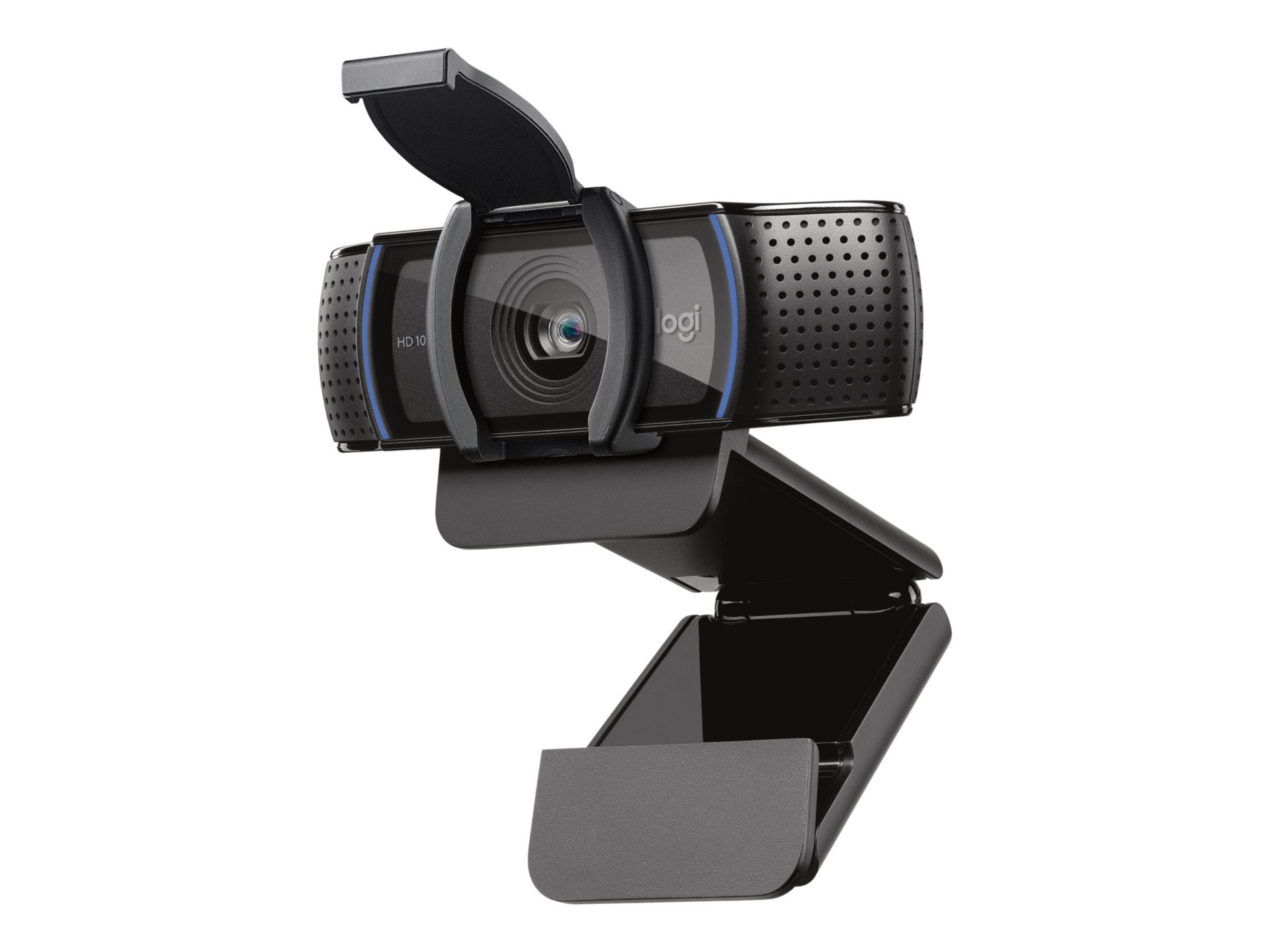
Headsets and webcams are no longer nice-to-haves for many users. Clear audio, better video and fewer connection issues help employees show up professionally and participate more effectively in meetings.
The Right Upgrades Can Extend Value
When a full device refresh is not practical, accessories can meaningfully improve the employee experience without replacing the entire endpoint. In many cases, upgrading the setup around the endpoint device can deliver an outsized day-to-day impact.
Core Categories for a Complete Setup

Most business-ready environments are built around a few essential categories. The right mix depends on the user, the workspace and the endpoint device strategy behind it.
Match the Setup to the User
Not every employee needs the same accessories. The best approach is to think in terms of role, environment and work style, then build a setup that supports how that person actually works.
Key Moments to Rethink the Setup

Some of the best times to evaluate peripherals are the moments when organizations are already making endpoint decisions.
New Hire Onboarding
A complete setup helps employees start strong from day one. It reduces the scramble of sourcing missing items after the fact and helps create a more consistent onboarding experience.
Device Refreshes
When purchasing or refreshing laptops, it makes sense to consider the full workspace at the same time. This is often the easiest moment to standardize around complete kits instead of buying computers in isolation.
Extending Device Life
If budgets delay a broader refresh, peripherals can still improve comfort, collaboration and day-to-day usability. In many cases, a better setup around the device can help employees work more effectively without replacing the device itself.
Common Buying Questions
Customers often know they need more than an endpoint device alone, but they may still have questions about when to upgrade, what is worth adding and how to choose options that will work across their environment. These are some of the most common questions organizations ask when evaluating peripherals and complete workspace setups.
“Why would I replace peripherals that still work?”
They may still function, but many older accessories were not designed for today’s hybrid work reality. Newer options can improve meeting quality, simplify connectivity, support cleaner USB-C-based setups and make daily work more comfortable.
“How do we know these will work with our devices?”
Compatibility matters, especially for docks, cables, displays and power delivery. That is why it helps to buy through a partner that can help validate selections before you scale them across a team or an organization.
“Why not just buy the lowest-cost option?”
Price matters, but so do quality, consistency, support and long-term fit. The wrong choice can create user frustration, compatibility issues and more work for IT. A better buying experience starts with solutions that are built for business use and selected with the environment in mind.
What CDW Brings to the Table

Choosing peripherals is not just about filling a cart. It’s about creating a complete, reliable setup that works for your users today and can be supported over time.

Expertise That Helps You Choose Well
CDW helps customers think through compatibility, performance needs and standardization so they can make smarter decisions, especially for docks, displays and other accessories that need to fit a broader endpoint device strategy.

Breadth Across Brands and Categories
CDW offers trusted solutions from brands such as Dell, HP, Lenovo, Logitech, Samsung and others across the categories that matter most. That breadth makes it easier to build complete setups around different users, environments and budget needs.

Support for Standardization and Scale
Whether you are outfitting new hires, supporting hybrid teams or planning a larger rollout, CDW can help simplify selection and support a more consistent user experience across your environment.

Enterprise-Ready Purchasing Options
CDW understands business buying realities, from phased rollouts to standardized configurations. We can also support buy-and-hold strategies that help ensure availability for future deployments, replacements or expansion.

A Partner Beyond the Point of Purchase
CDW helps customers move beyond buying endpoint devices and accessories one piece at a time. With guidance, support and a broad portfolio, we help organizations build workspaces that are productive, comfortable and collaboration-ready from day one.
Build the Right Setup for Your Users
The right accessories can have an immediate impact on productivity, comfort and collaboration. Whether you are refreshing devices, supporting hybrid work or standardizing setups across teams, CDW can help you choose the right combination for your environment.
Shop the Core Elements of a Complete, Business-Ready Setup



Source: 1 Auvik, “IT Trends 2025: Industry Report — Why IT is long on challenges but short on time,” 2025


Equip Your Teams for Success
Need help validating compatibility, standardizing across users or planning a larger rollout? CDW experts are ready to help.